

Previous module: Module 11, Using window functions without changing the row count.
A SQL query could run without an error, but the result could still be wrong for the question we want to answer.
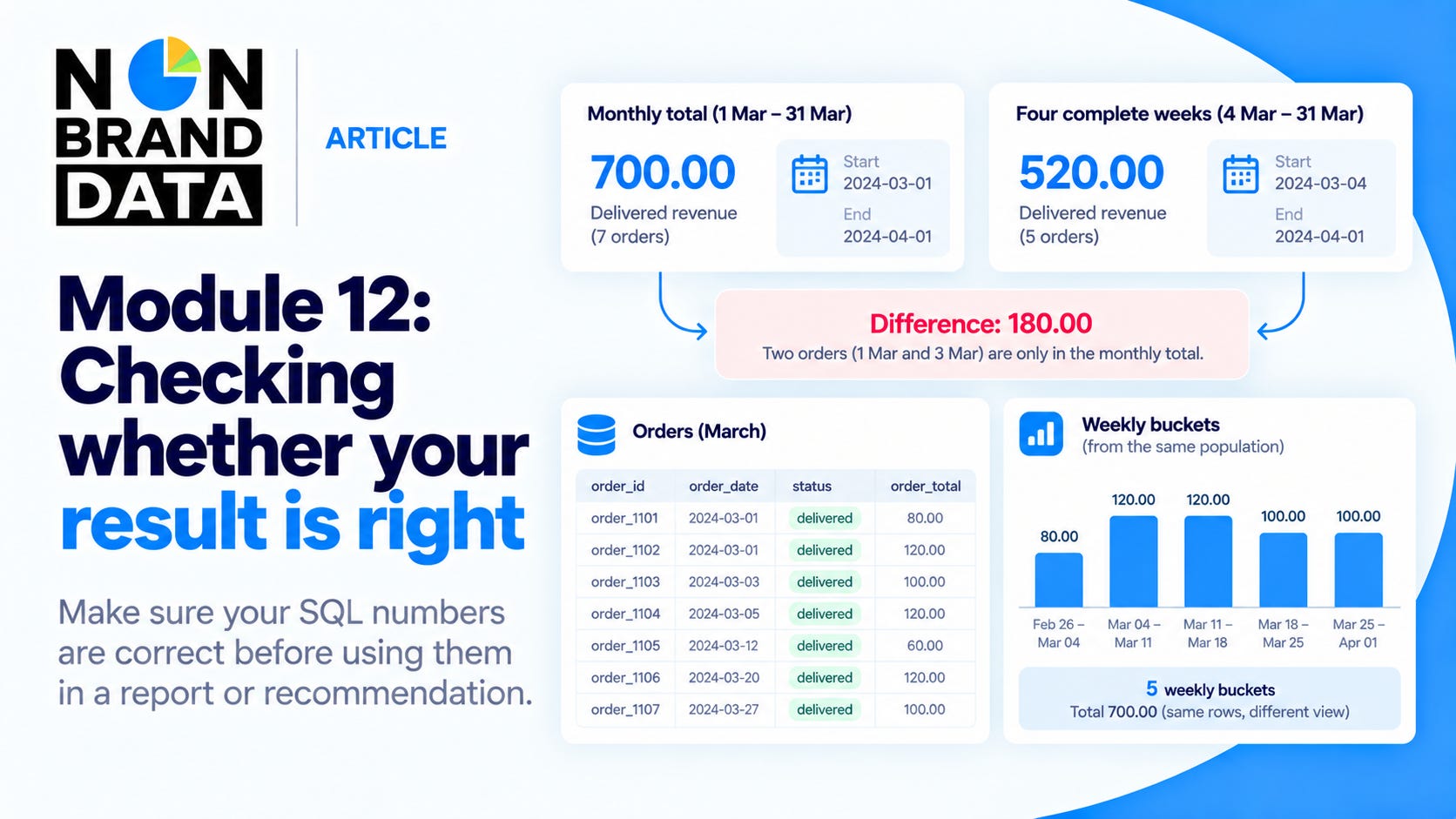
For example, a weekly report shows delivered revenue of 520.00, while a monthly report shows 700.00. Both queries are valid. The difference happens because the weekly query starts on 4 March and the monthly query starts on 1 March. Each query counts a different group of orders.
For me, checking the population is the first thing to do when two numbers don’t match. Don’t change the query until the numbers happen to agree. Instead, compare the filters, find the rows that only appear in one result, and check whether the join changes the row count.
We will use those steps to compare weekly and monthly revenue. After that, we will check duplicate payment IDs and unmatched records.
