

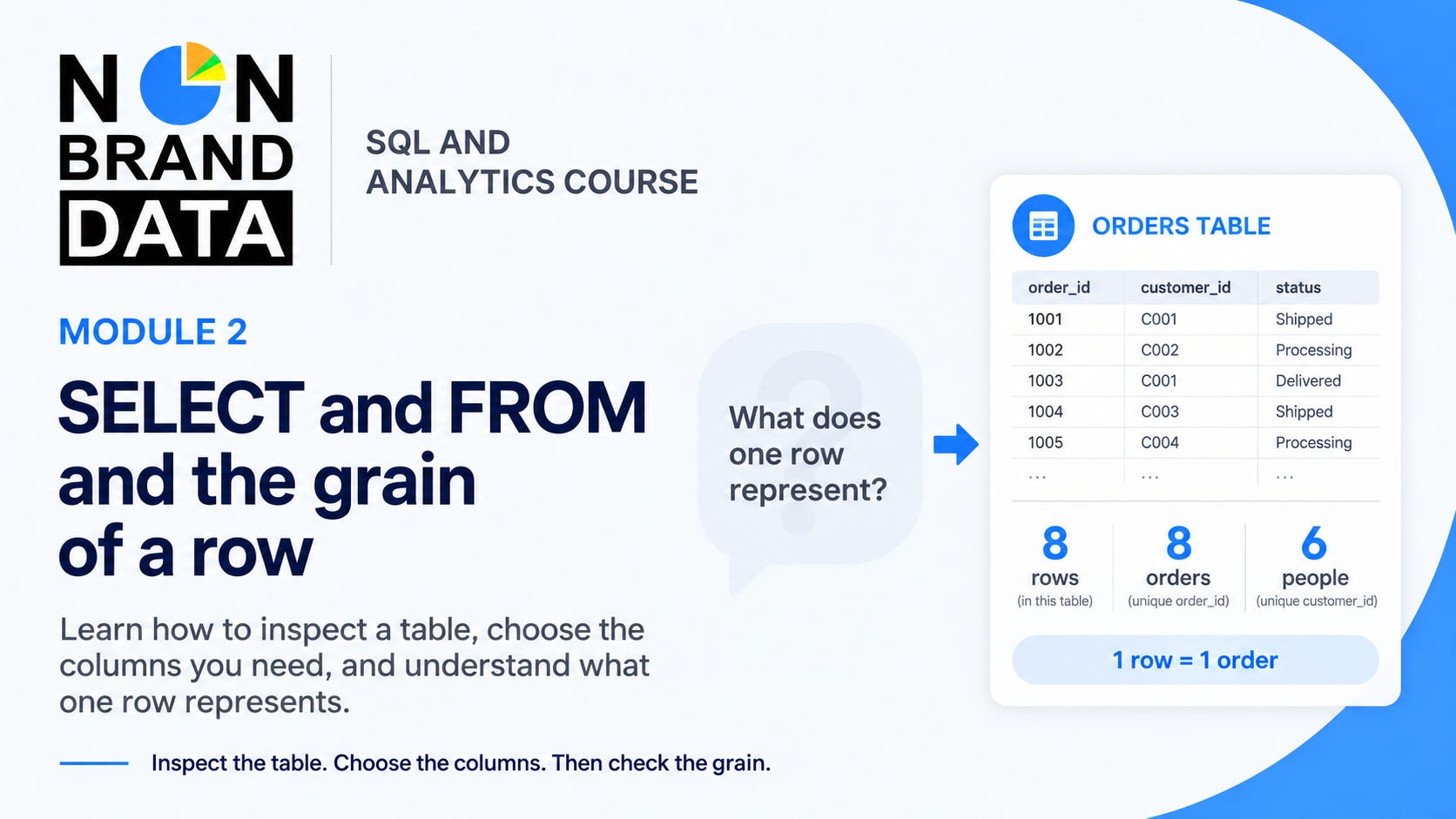
When we start working with a new table, SELECT * is often the first query we use. It shows the available columns and gives us a few rows to inspect.
However, seeing the rows isn’t the same as understanding them. An orders table can contain eight rows, but those rows might represent eight orders from only six people. If we don’t know what one row represents, it’s easy to count the wrong thing later.
In this module, we will learn how to use SELECT and FROM to read a table. We will also check the grain, which is a plain statement of what one row represents.
After this module, you can:
Choose the columns that help you understand a table
Separate the number of order rows from the number of people
